
Tool comparison
Canva Alternatives for TikTok Slideshows
Canva works for one-off posters. For a weekly TikTok cadence it falls apart. Here are the 6 alternatives founders actually use in 2026, ranked by speed-to-post.

Canva is a fine tool. It is also the wrong tool for a SaaS founder who wants to ship one TikTok slideshow every week. The reason is simple: Canva is built for designers who want full control. A founder shipping content does not want control. They want output.
A weekly TikTok slideshow is 9 slides. At 20 minutes a slide in Canva — including finding a template, swapping copy, swapping images, fixing alignment, exporting — that is 3 hours per deck. 12 hours per month. 6 working days per year. For one channel.
Here is what founders are using instead in 2026, ranked by how fast they get a deck out the door.
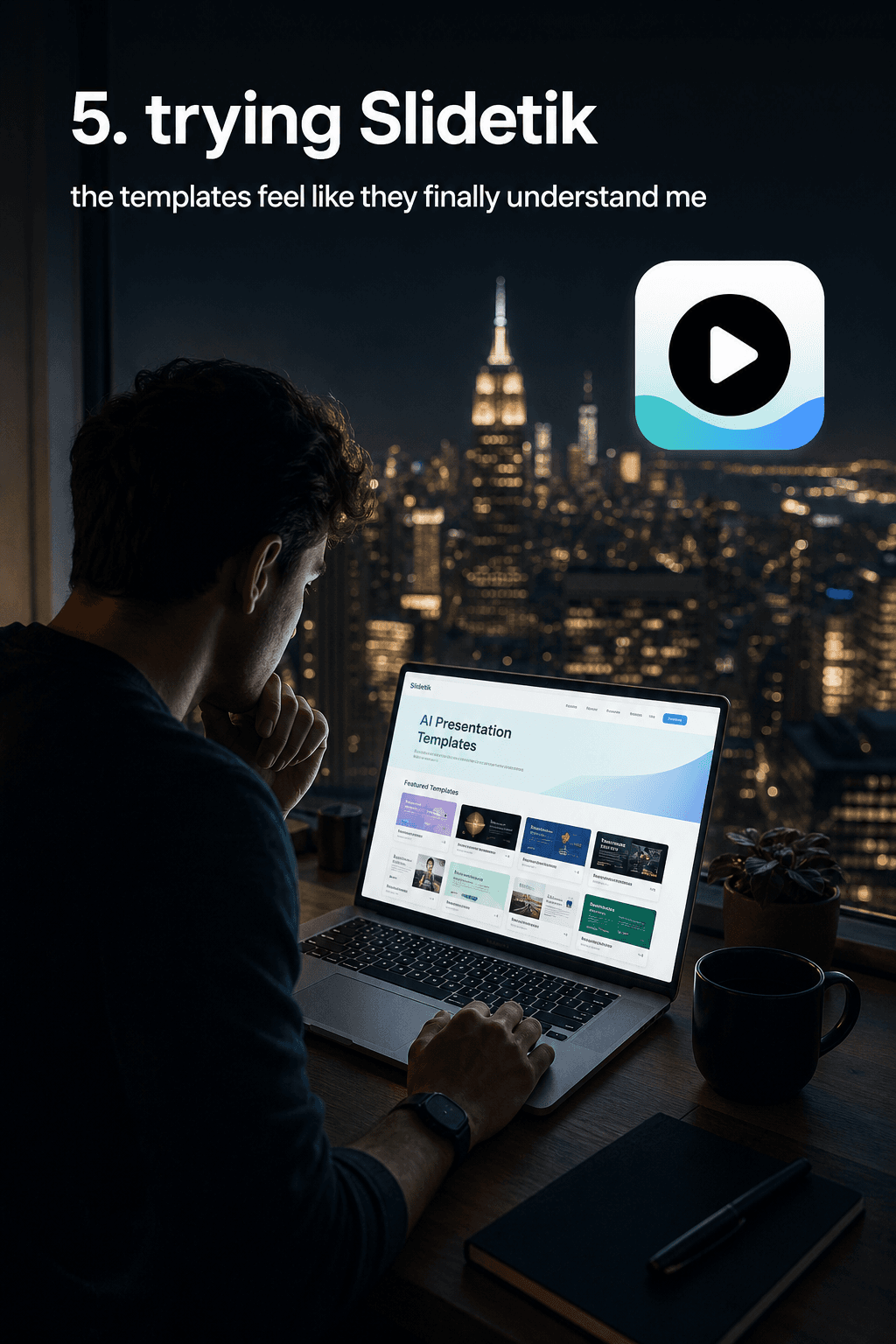
1. Slidetik — AI slideshow maker for SaaS and apps
Built specifically for SaaS founders, app creators, and indie hackers shipping TikTok content. Paste your product URL (SaaS, App Store, Google Play, Notion, Stripe, course page). The platform extracts your positioning, features, screenshots and brand colors, then generates a 9-slide TikTok-formatted deck in 60 seconds with AI visuals and copy already written.
- Speed to first deck: 60 seconds.
- Design skill required: none.
- Cost: from €5/month, ~€0.80 per deck on the credit pack.
- Best for: founders shipping weekly TikTok content for a product.
2. Figma + a slide template
Figma is faster than Canva for designers, especially if you build one good 9-slide template and reuse it. The catch: it is still a design tool, not a content tool. Every new deck requires copywriting from scratch, sourcing images, and exporting 9 PNGs.
- Speed to first deck: 90-120 minutes (after template is built).
- Design skill required: medium.
- Cost: free for personal use.
- Best for: founders who already work in Figma daily.
3. Capcut
Capcut is video-first but it does ship a slideshow template engine. Strong for adding music, transitions and captions. Weak for writing the copy and producing the visuals — you still bring those.
- Speed to first deck: 60-90 minutes.
- Design skill required: low.
- Cost: free, with paid tier for assets.
- Best for: creators who want video + slideshow in one tool.
4. Tome / Gamma
Both are AI presentation tools and both produce 16:9 desktop slides by default. You can retro-fit them for TikTok by changing the aspect ratio, but the design system is built for boardroom decks, not for thumb-stopping hooks. The output reads as “corporate pitch deck cropped to phone.”
- Speed to first deck: 5-10 minutes (in 16:9).
- Design skill required: low.
- Cost: from $10/month.
- Best for: pitch decks. Not TikTok.
5. Beautiful.ai
Same family as Tome and Gamma — AI presentation tool with smart templates. Same weakness: not built for the TikTok format or for product-led hooks. The defaults skew boardroom.
- Speed to first deck: 5-15 minutes (in 16:9).
- Design skill required: low.
- Cost: from $12/month.
- Best for: internal presentations.
6. Doing it in Photoshop / Affinity
Maximum control, minimum speed. If you are a designer-founder this can be a moat — your decks will look like nothing else on TikTok. If you are not a designer, you should not be opening Photoshop to ship a weekly social post. The cost of context-switching alone eats more than the design time.
- Speed to first deck: 3-5 hours.
- Design skill required: high.
- Cost: from $20/month.
- Best for: designer-founders doing it once a quarter.
So which one should you actually use?
If your goal is shipping a TikTok slideshow once and never again, Canva or Figma are fine. If your goal is a sustained weekly cadence — which is what actually moves sign-ups — you need a tool that is built for the loop, not for one-off design.
That is exactly the gap Slidetik fills. Paste URL, get deck, post, regenerate the one slide that did not land, post the next variant. The whole cycle costs more like 5 minutes than 5 hours, and at €0.80 per deck the unit economics work out for any solo founder shipping organic content.
The right question is not “what is the best design tool?” The right question is “what tool removes the design step entirely so I can ship the content?” That tool is not Canva.
Ship the slideshow this week.
Paste your URL. Slidetik generates a 9-slide TikTok deck with copy, AI visuals and your brand colors in 60 seconds. From €5/month.
Try Slidetik — 60sFrequently asked questions
Is Canva still good for SaaS marketing in 2026?
For homepage banners, podcast covers, and one-off social posts — yes. For shipping a TikTok slideshow every week, no. The time cost compounds: 3 hours per deck × 4 decks per month = 12 hours, or one and a half working days lost to manual design.
What is the fastest tool to make TikTok slideshows from a URL?
Slidetik. Paste your SaaS, App Store, Notion or Stripe URL and you get a 9-slide TikTok-formatted deck in 60 seconds with copy, AI visuals and your brand colors. No design or copywriting required.
Why don’t AI presentation tools like Tome or Gamma work for TikTok?
They default to 16:9 desktop aspect ratio and are optimized for boardroom pitch decks. You can retro-fit them to 9:16 but the typography, layout and visual style read as ‘corporate pitch deck cropped to phone’ rather than native TikTok content.
How much should a SaaS founder spend on a TikTok content tool?
If you are shipping weekly, the right ceiling is roughly €0.80-1 per deck — anything more eats your unit economics on organic content. Slidetik’s credit pack lands at €0.80/deck.
Keep reading
TikTok playbook
3 TikTok Marketing Mistakes Killing Your SaaS Launch (And How to Fix Them in 2026)
The 3 most common TikTok marketing mistakes SaaS founders make in 2026 — posting LinkedIn carousels, talking like a B2B brand, and ignoring the slideshow format. Fix all three in an afternoon.
Read postChannel strategy
Twitter Threads vs TikTok Slideshows: Which One Actually Grows a SaaS in 2026?
Twitter threads built every B2B SaaS brand from 2019 to 2023. In 2026 the math has flipped — TikTok slideshows reach 4-12x more eyeballs per hour of work. Here is the data and the case for switching.
Read post